Overlays, alerts & goals
Choose designs, customize fonts and colors, add entrance motion and display your goals and leaderboards in your streaming software.
WINDOWS DESKTOP SOFTWARE
Bring your overlays, alerts and audience tools together in TikStream. Build a broadcast that looks and feels like you.
Currently in private development. This is our public product information site; access to the app remains restricted.
 BUILT AROUND YOUR BROADCAST
A LOOK INSIDE
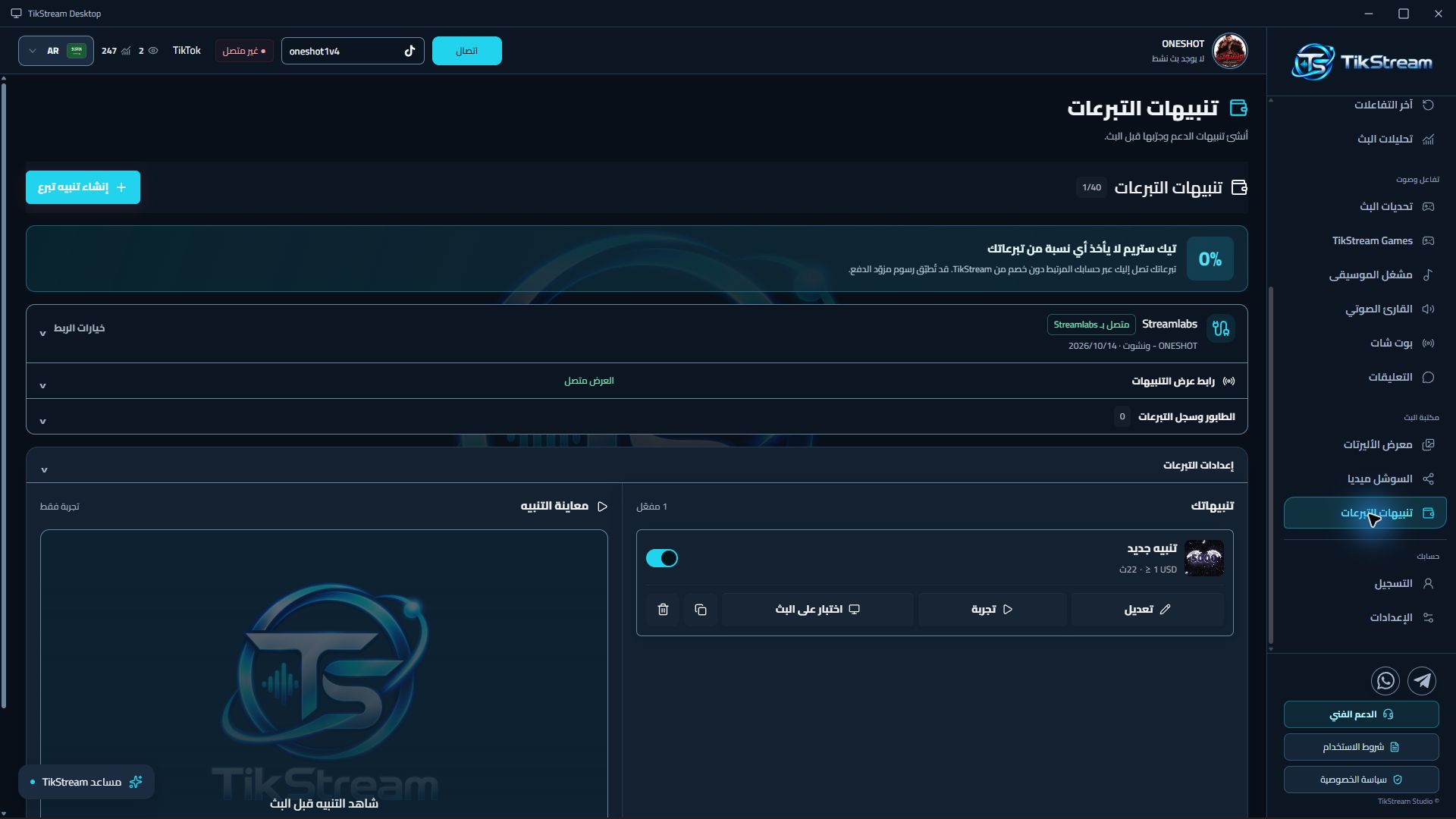
Real screenshots from TikStream Desktop, captured during private testing. The app supports Arabic, English, Turkish and German interfaces.
TOOLS THAT WORK TOGETHER
Personalize the presentation. Set your rules. Keep your broadcast controls in reach.
Choose designs, customize fonts and colors, add entrance motion and display your goals and leaderboards in your streaming software.
Configure event-based replies, commands and spam moderation for your own LIVE account. TikTok sign-in takes place in a real login window, with an encrypted session kept on your computer.
Read selected comments aloud with local text-to-speech and manage audience music requests. Music playback runs in Desktop; display widgets show track information.
Arrange display tools, choose their direction and preview changes before adding their display links to OBS or TikTok LIVE Studio.
STREAMLABS-APPROVED INTEGRATION
Connect your Streamlabs account through its official authorization flow. Donations received through your Streamlabs donation link can trigger the alerts you create in TikStream.
TikStream does not take a percentage of those donations. Streamlabs and payment-provider fees may still apply. Your TikStream subscription pays for the software tools.
Questions about the integration? →Your donations stay with your connected donation service. TikStream displays the alert.
DESIGNED IN DESKTOP
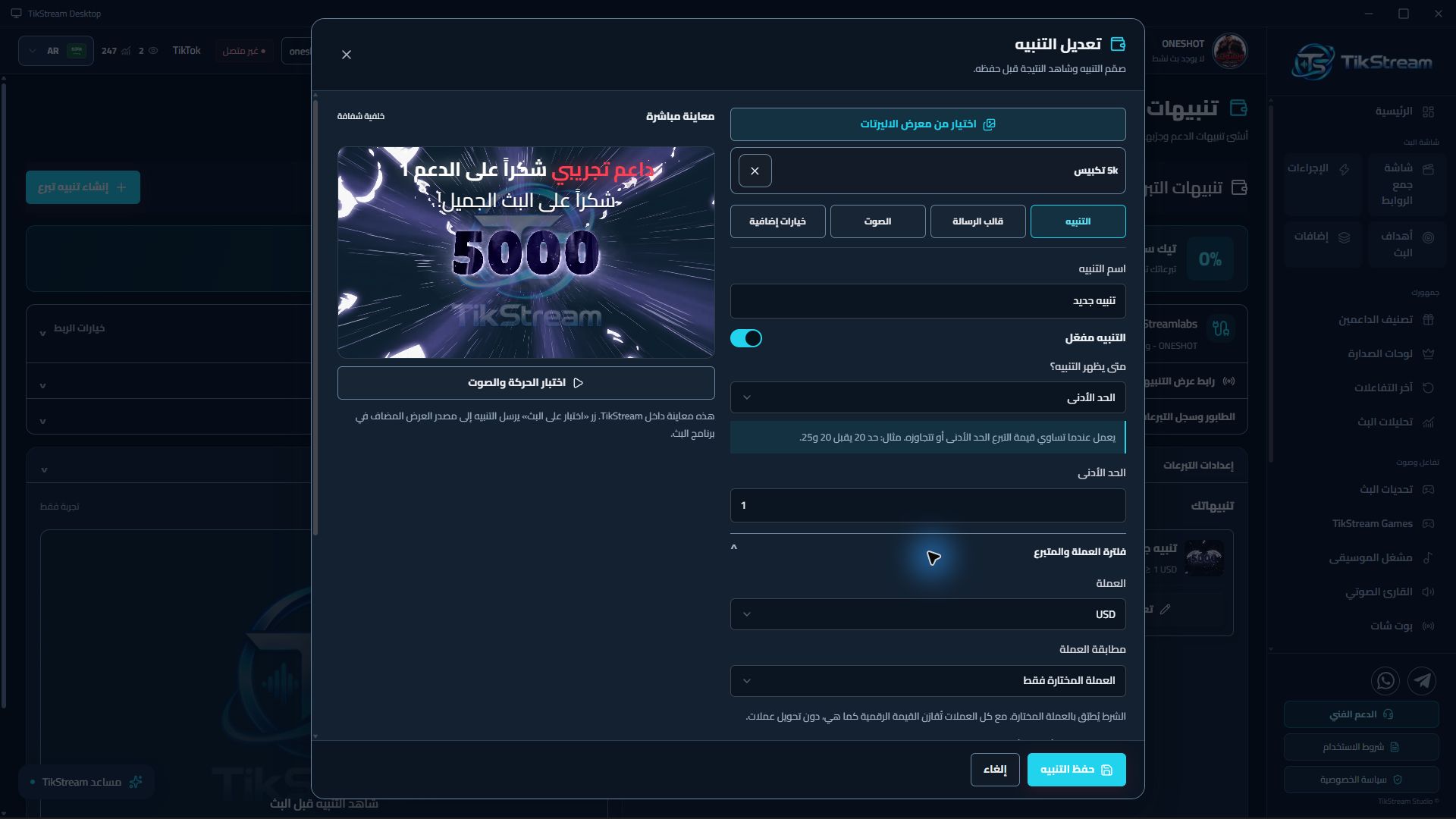
Set amount conditions, choose an alert and preview it. Adjust the supporter name, thank-you text and donor message to fit your broadcast.
SOFTWARE SUBSCRIPTIONS
All three paid plans provide the same set of paid creator tools. Cancel renewal at any time.
Monthly
Billed every month.
Renews at $9.99 per month.
Quarterly
Billed every three months.
Renews at $25.99 every three months.
Yearly
Billed every year.
Renews at $95.99 per year.
Prices in USD. Any applicable taxes and the total will be shown before purchase. Public checkout is not available yet.
Plan details, cancellation and refunds →GET IN TOUCH